 Windows
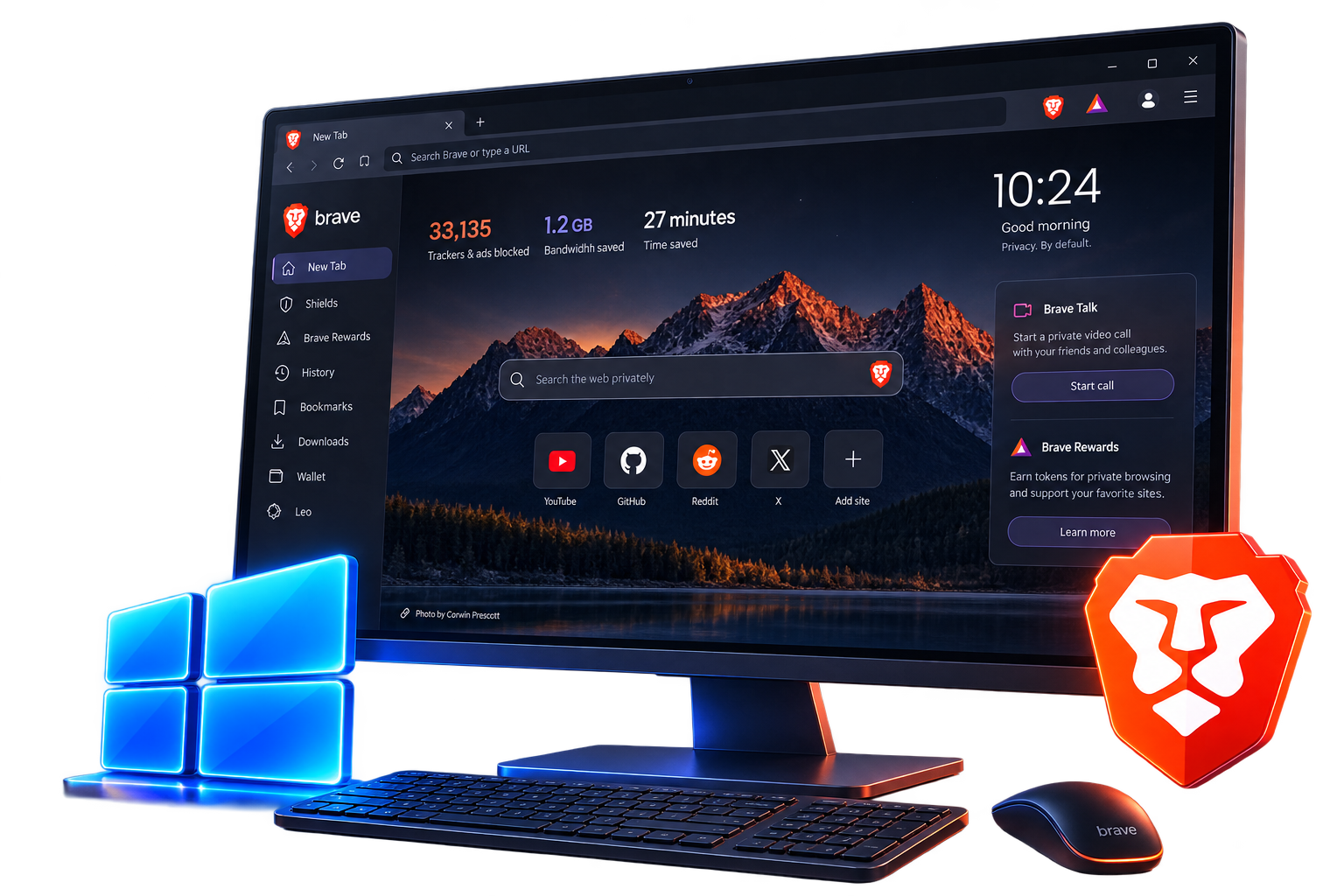
PCs and laptops
Download Brave for WindowsWindows, Mac, Linux, Android, or iPhone — pick the one you’re on, then follow the install notes below.
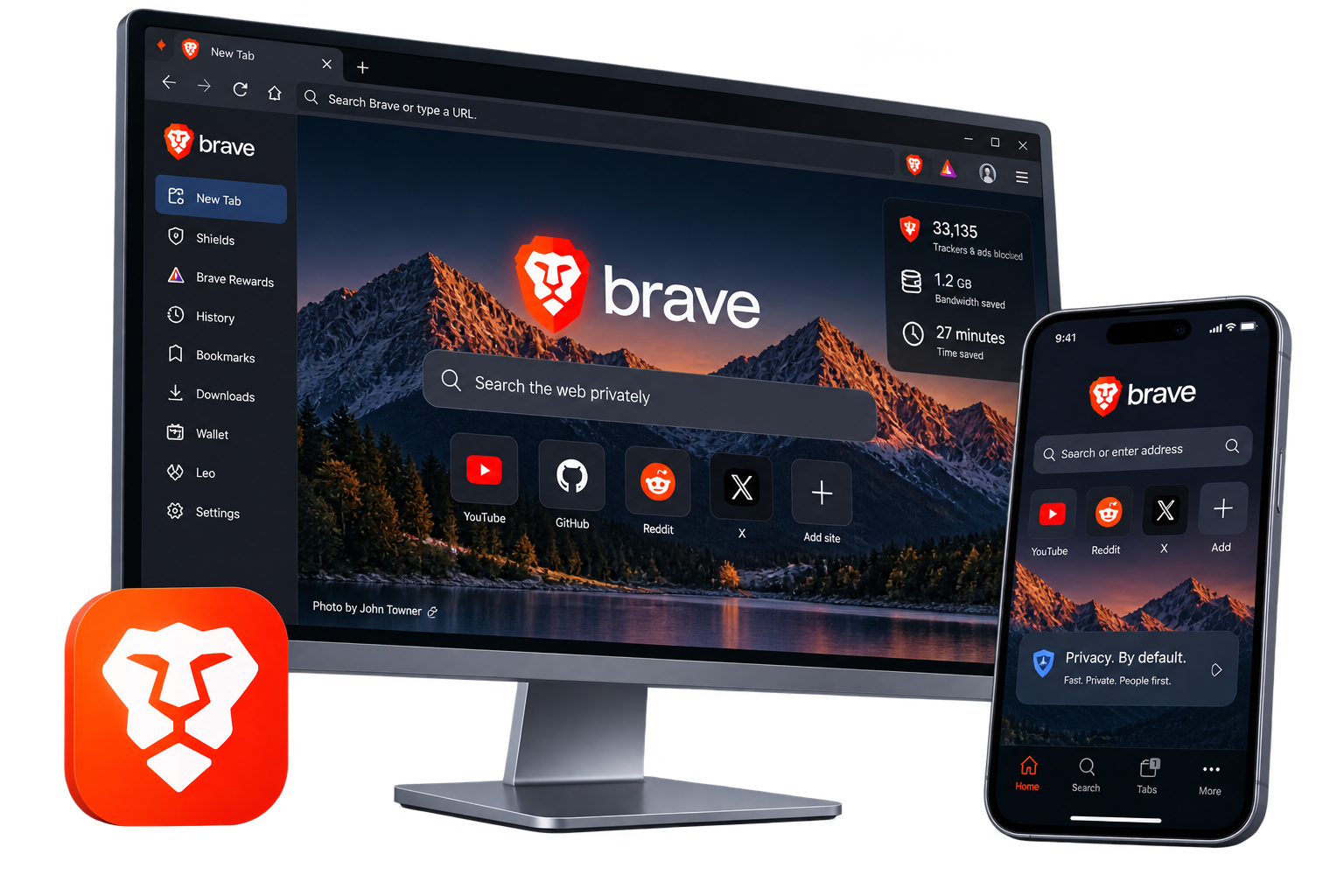
There’s a desktop app and a mobile app. Choose the system you use, then download or open the store page.
Windows
PCs and laptops
Download Brave for Windows macOS
Mac computers
Download Brave for macOS Linux
Several Linux distros
See Linux install optionsThis is the full desktop browser: Shields, extensions, sync, and the rest of the usual Brave tools.
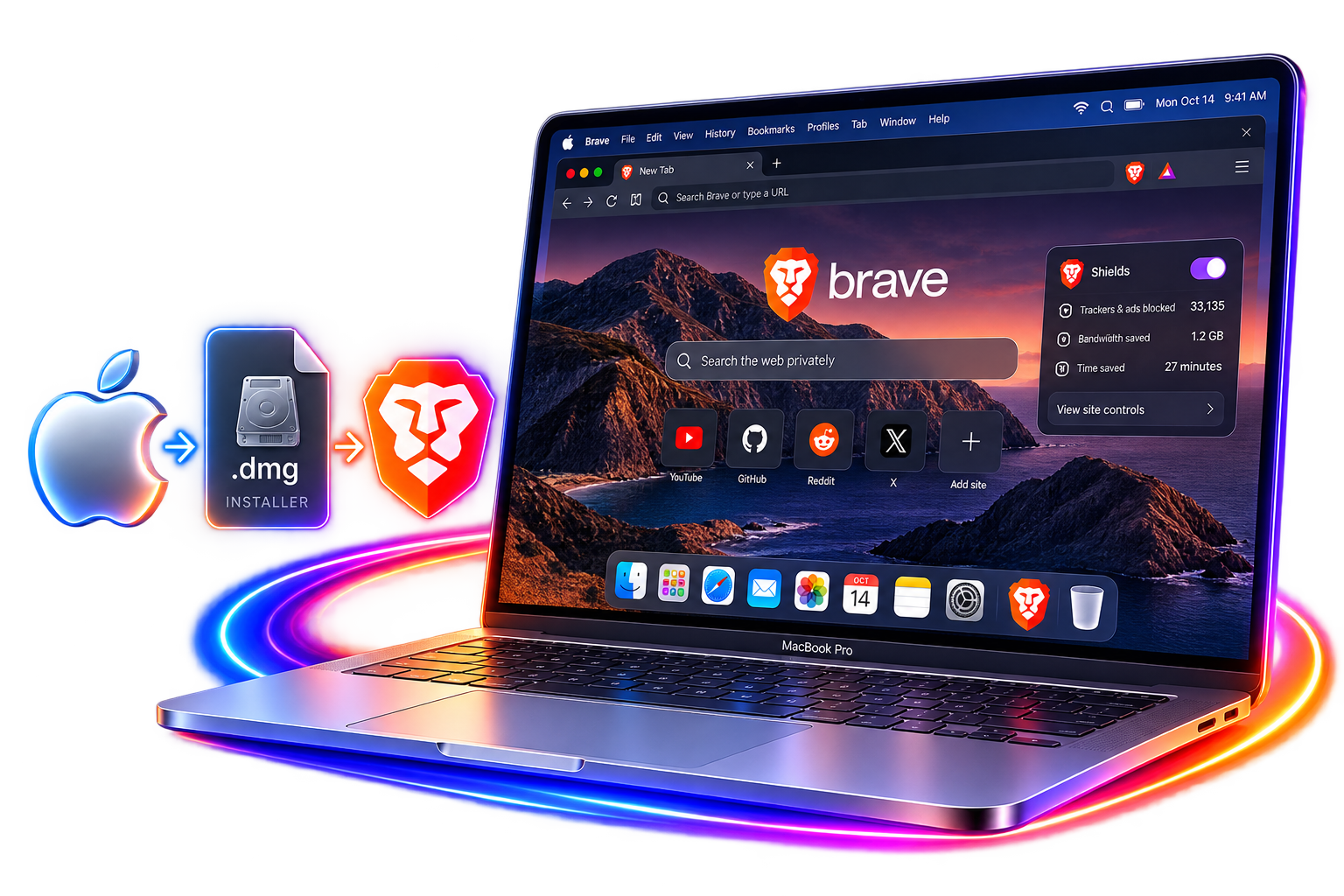
Same desktop Brave, for Mac. Browsing, Shields, extensions, and sync are all there.
Linux isn’t one download button. Brave documents install steps for different distros — pick the one that matches yours.

Install Brave on Android phones and tablets.

Get it from the App Store on iPhone or iPad.
Most people want Stable. Brave also ships Beta and Nightly if you like trying new stuff before it’s finished.
The regular release. Use this unless you have a reason not to.
Features that are almost ready for Stable, a bit earlier than everyone else.
Updates often. It’s for testing. Things can be half-finished or change overnight.
If you’re not testing, just take Stable.
The first time you open Brave, you can import some of what you already have, so you’re not rebuilding the browser from scratch.
What actually comes over depends on the old browser, your system, and the Brave version. It might include:
Not everything always comes over. Trust the list Brave shows you in the import screen.
Make sure the file comes from Brave, and that it’s the right one for your system. Check the page you’re on, where the file came from, and any warning your computer shows. Skip mystery copies and repacked installers.
This site explains Brave and points you to the real downloads. We don’t host or repack the installer. When you want the official app, use Brave’s own download links.
Yes. That’s the usual desktop download for PCs and laptops.
Yes. There’s a desktop version for macOS.
Yes, but you install it per distro. Brave’s Linux page has the steps.
Yes. Get it from Google Play, or from another official option Brave lists.
Yes. iPhone and iPad get it from the App Store.
Stable is the everyday app. Beta is almost-Stable, a bit early. Nightly updates a lot and can be messy. If you’re not testing, take Stable.
On desktop, you can bring over bookmarks, history, and some saved info. What you get depends on the old browser and your system.
On desktop, many of them do, because Brave is Chromium under the hood.
Brave’s own download page, the official Linux instructions, Google Play, or the App Store. We only point there. We don’t repack the files.