
Ads and trackers, blocked in the browser
You don’t add this later. Brave stops a lot of ads and cross-site trackers before they load.
A Chromium browser that blocks ads and trackers by default
Brave feels familiar if you already use Chrome, but the quiet page is the point. Ads and trackers are blocked in the browser, sites still work, and you can keep many of the same extensions.
 Chromium
 Privacy
 Ads and tracker blocking
 Cross-platform
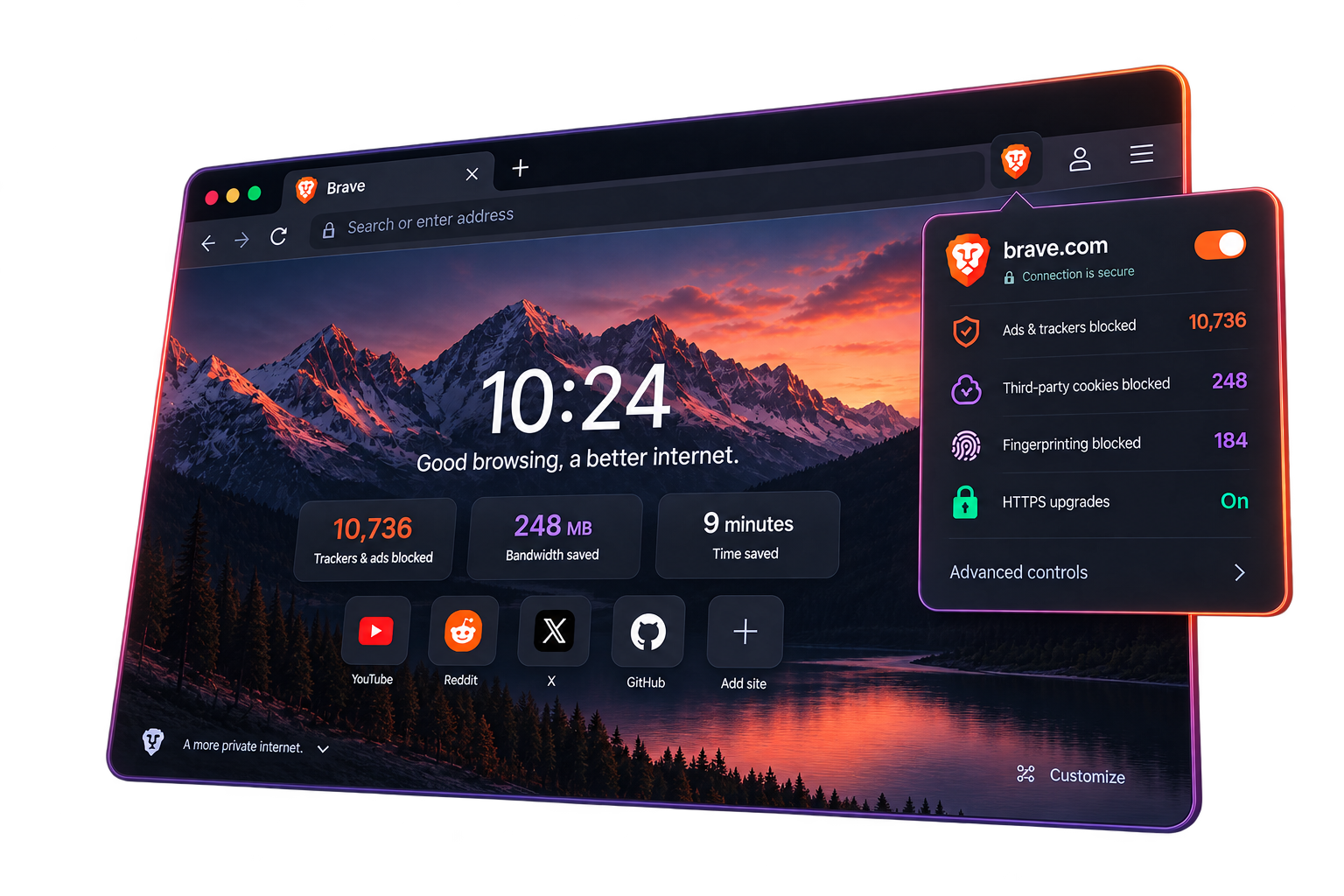
Brave is a Chromium browser for Windows, Mac, Linux, Android, and iPhone.
You don’t have to hunt for an ad blocker first. Blocking ads and trackers is built in, so a lot of that extra noise never reaches the page.
Because it sits on Chromium, websites behave the way you expect, and desktop Brave can use many of the same extensions as Chrome.
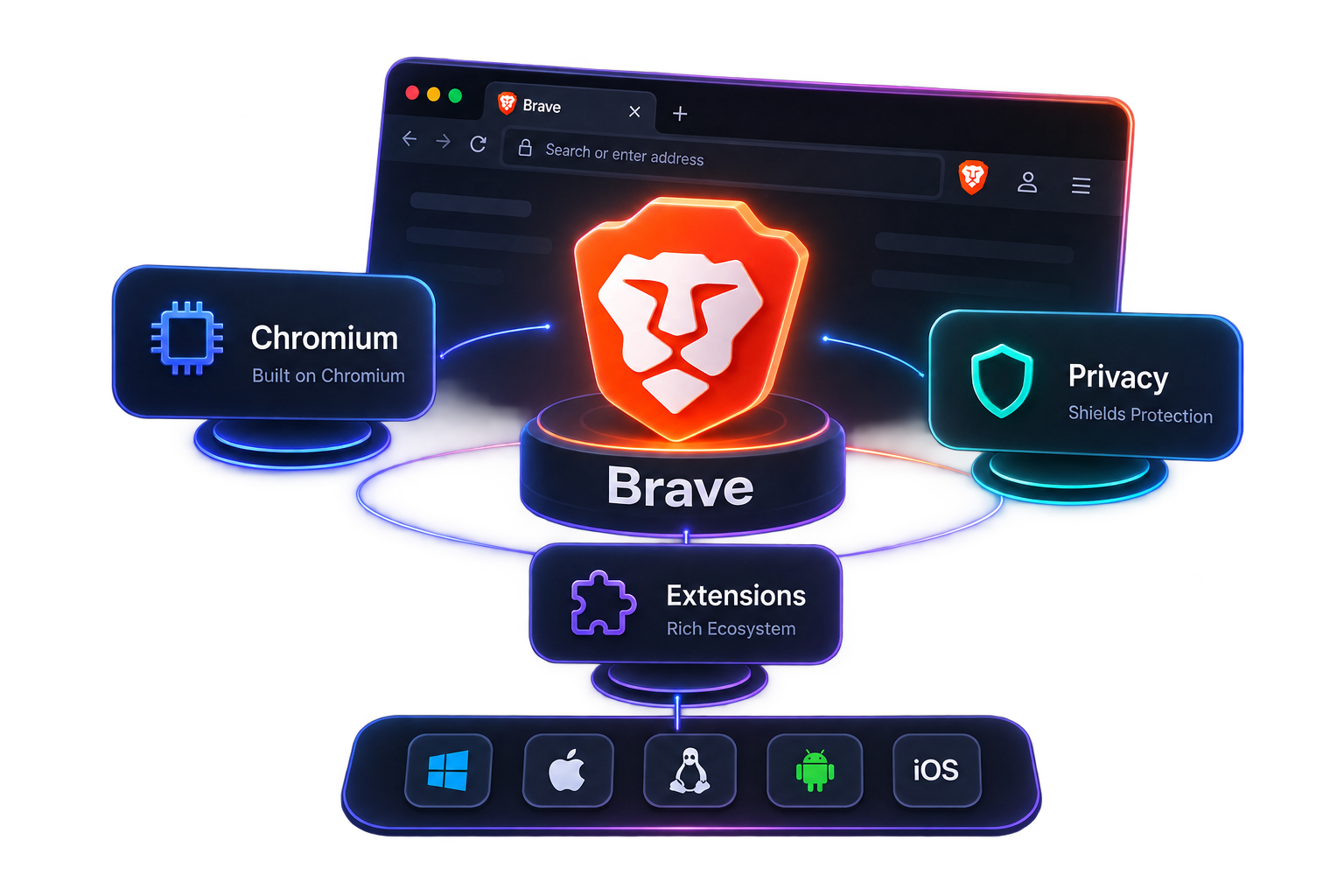
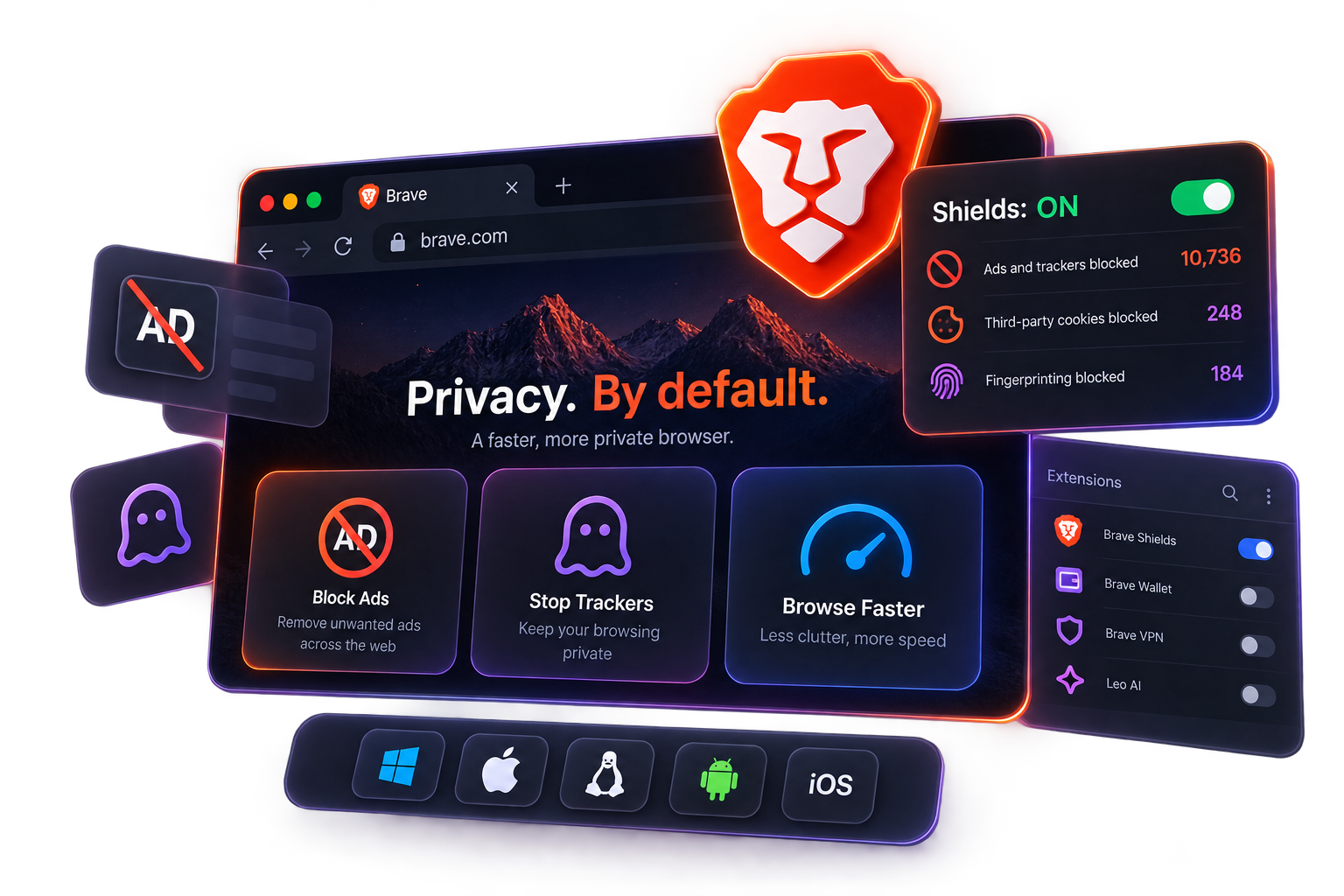
You don’t add this later. Brave stops a lot of ads and cross-site trackers before they load.
Sites open the way they do in Chrome, and the day-to-day controls already feel familiar.
On desktop you can keep using many Chrome Web Store extensions. You don’t have to start from a blank profile.
There’s a version for Windows, Mac, Linux, Android, and iPhone.
A page isn’t just the article you came for. It can also pull in ads, analytics, and other trackers. Brave Shields can stop a lot of that, and you can turn the protection up or down for a specific site.
Cut down ads and some of the trackers that follow you from site to site.
Keep a tighter grip on site cookies, especially third-party ones.
Make it harder for a site to recognize you from your browser setup.
Prefer a secure connection when the site can use one.
With less ad clutter, the page you actually wanted is easier to read.
Ads and tracking scripts also eat bandwidth. Brave skips a lot of those requests, so the page has less work to do.
Tabs, the address bar, and shortcuts work the way they do in Chrome or Edge. You’re not learning a new browser from scratch.
On desktop, many Chrome extensions still work in Brave.
You can import bookmarks, history, and some other data from the browser you’re leaving.
If you can use Chrome, you can use Brave. The basics don’t change.
The browser is the main thing. These extras sit around it if you want them — they aren’t the whole homepage story.
 Brave ecosystem
More than a browser
Its own search engine
Less tracking in the results
AI in the browser
Summarize, ask, write

Private windows
Tor is optional if you want it
A wallet in the browser
For crypto if you use it


Video calls in the browser
No extra app required
Optional rewards, if you turn them on
You don’t have to assemble a stack of extensions first.
Fewer ads and fewer trackers getting in the way.
Same everyday habits. You already know the controls.
Use it at the desk and on the go.
There’s a desktop app and a mobile app. Windows, Mac, Linux, Android, and iPhone are all covered.
The quiet, private browsing model follows you from the computer to the phone.
Desk, sofa, or commute — pick the version that matches the device in your hand.
If you use Windows, Mac, Linux, Android, or iPhone, there’s a Brave for that.

 Windows
 macOS
 Linux
 Android
iOS
iPhone / iPad
It’s a Chromium browser with ads and trackers blocked in the product itself, so you get a quieter page without assembling a pile of extensions first.
Yes. That’s why websites and Chrome-style extensions usually feel familiar.
On desktop, yes — many Chrome Web Store extensions work in Brave.
That’s the default. Brave Shields can stop a lot of ads and tracking requests, and you can loosen it on a site if you need to.
Windows, Mac, Linux, Android, and iPhone.
The browser is free to download and use. A few extra Brave services are optional and billed separately if you want them.
Same Chromium family, different default. Brave builds privacy into the browser instead of leaving ads and trackers on until you add blockers.
You can import bookmarks, history, and some other items. What shows up depends on the browser and device you’re coming from.

